Simply switch to "remote"?
Fabio is our expert in moderating Design Sprints.
English edition — originally published in German as Einfach auf «remote» schalten?.
Fabio is our expert in moderating Design Sprints – the innovation process that generates a customer-validated prototype in four days. This year, these have increasingly been conducted remotely. These are Fabio's key insights – seven tips that will help anyone moderating online workshops.
Preparation is everything
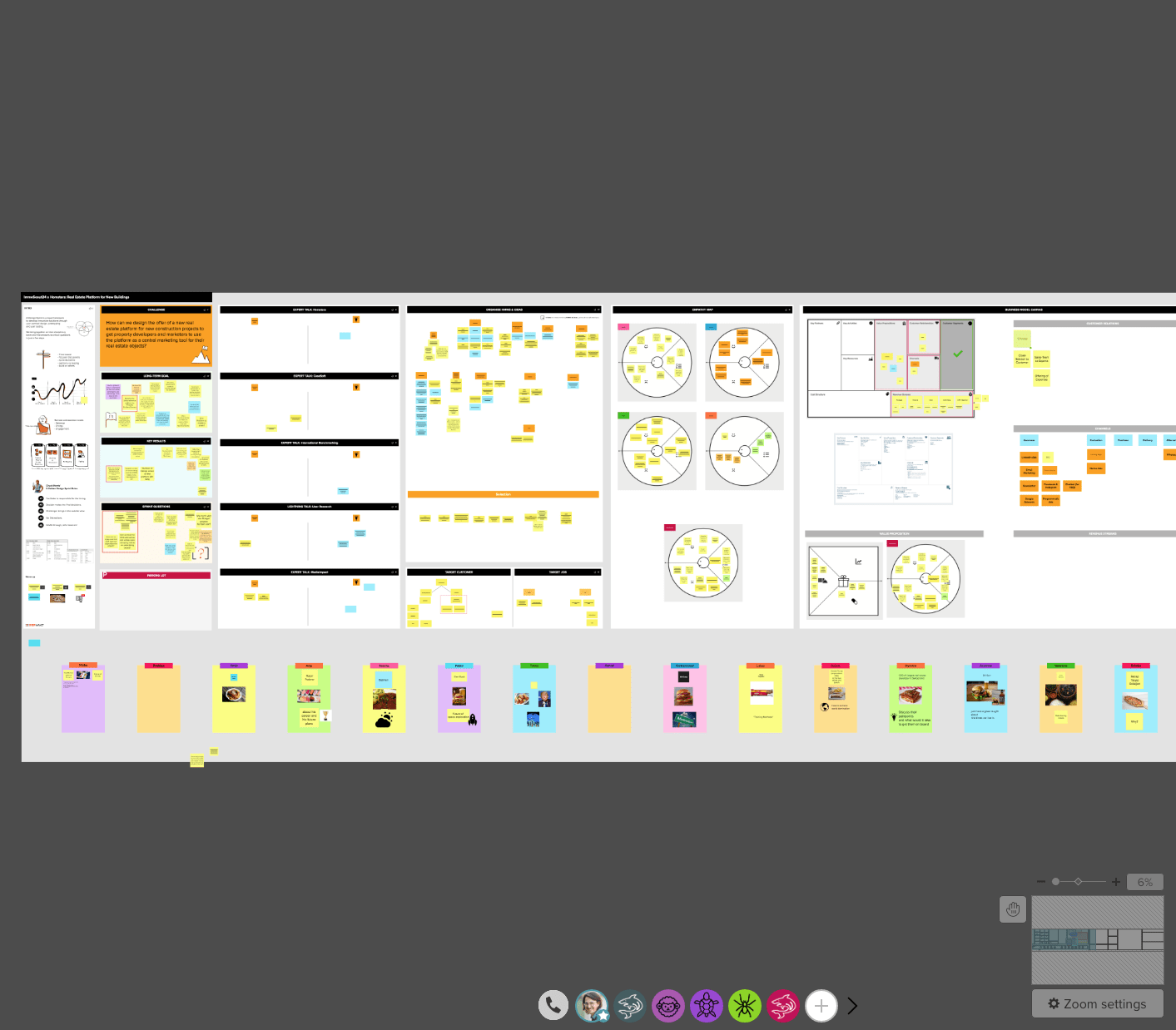
In a remote Design Sprint, you cannot be spontaneous at all. On a physical whiteboard, you can quickly switch to a different exercise, but on Mural (the digital whiteboard tool we use), that's almost impossible. Therefore, you need to prepare as thoroughly as possible.
The remote schedule
It's a fact that online meetings demand more energy from participants than in-person meetings. I've found it helpful to spread the first two days over three. On the first day, we focus on problem definition, and on the second day, we develop ideas. Day 3 is then reserved for storyboarding. Prototyping and testing each get one day, as usual.
Breaks, breaks, breaks!
Remote work is tiring, so breaks are very important. My learning: always take a 5-10 minute break after about 45 minutes. Then, in the morning and afternoon, definitely take a 20-minute break halfway through. The lunch break should also be extended: 1.5 hours.
The Design Sprint is so efficient because you concentrate on the topic and problem-solving for full days, and distractions are prevented as much as possible. In a remote sprint, you don't spend breaks together, and participants are responsible for managing their own energy levels. In any case, batteries are not recharged if you stare at a screen during breaks and possibly check emails. Therefore: step away from the screen during breaks, get some fresh air or go outside to return refreshed.
Together – alone
If things get a bit stuck: have the courage to assign an individual task. We turn off the call for 10 minutes, and everyone works on their own.
"I can't hear you!" – the beloved technology
My nightmare scenario: the technology doesn't work. Fortunately, we've never had a complete failure. In any case, it helps to test the technology with participants beforehand and show them the most important tricks. Depending on the organization, clients may also need to check if they are allowed to use the planned tools.
Divide the large group into smaller groups
Working in a plenary session is boring for quiet people, so do more group work with 3 people. Zoom's Breakout Rooms are a great tool for this!
Sketching?
Sketching online is particularly challenging. For the future, I will try to create more templates that can then be printed out. This way, everyone can sketch at home and share a photo of it. Unfortunately, however, you cannot work on a sketch together. We will continue to test this, for example with tablets.